
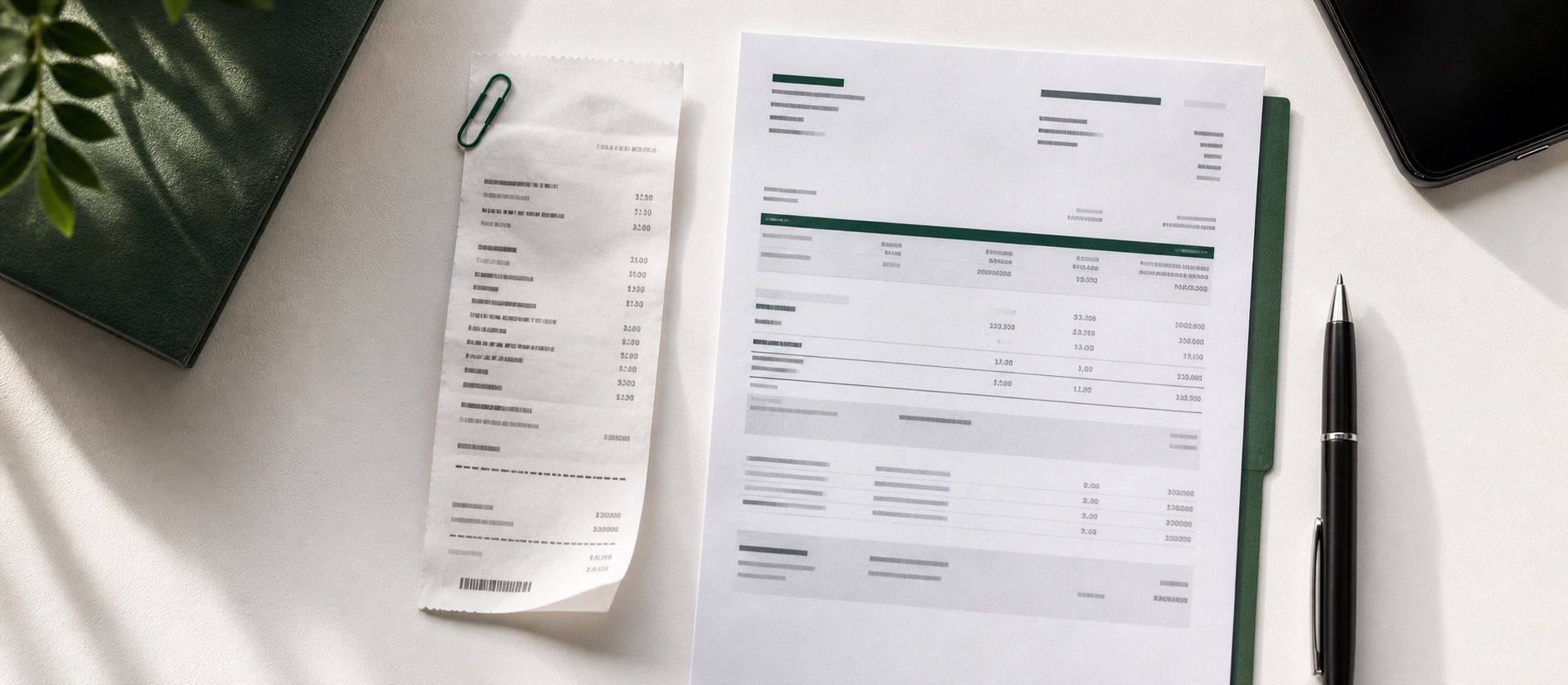
Can Bank Statements Replace Receipts for Taxes? What Self-Employed People Need to Know
A bank statement can prove that money moved, but it may not prove what you bought or why it was for business. Here is how to build a stronger record.
10 min read

Built for freelancers & the self-employed
Snap, forward, or upload receipts as they happen. ReceiptNest organizes them by month, with your totals, so your accountant gets one clean export at tax time.
No bank login. No ledgers. That's the job, on purpose.
Live demo · auto-playingThis month's receipts
Live$0.00
0 receiptsOct · auto-organized
Watching for receipts…
The next one will land here in a moment — totals and charts update on their own.
Illustrative demo — no real receipts are uploaded here.
Send a receipt
Forward an email, snap a photo, or upload a PDF
Find it later
Search by merchant, date, or category
Hand it off
Export your records for your accountant
You don't need ledgers, reconciliations, or a finance degree. You need the receipts you've sent in one place, findable when you need them, and ready to hand off when your accountant asks. ReceiptNest does that one job and stays out of your way.
Forward receipt emails to your ReceiptNest address, snap a paper receipt, or drop in a PDF. That's the workflow.
Merchant, date, amount, and category are extracted for your review. The original receipt stays close by.
Export the receipts you need to CSV, or use Pro for PDF. Hand over a clear record without scrambling at tax time.
Receipts arrive when you send them. No bank connection, no access to your inbox.
How it works
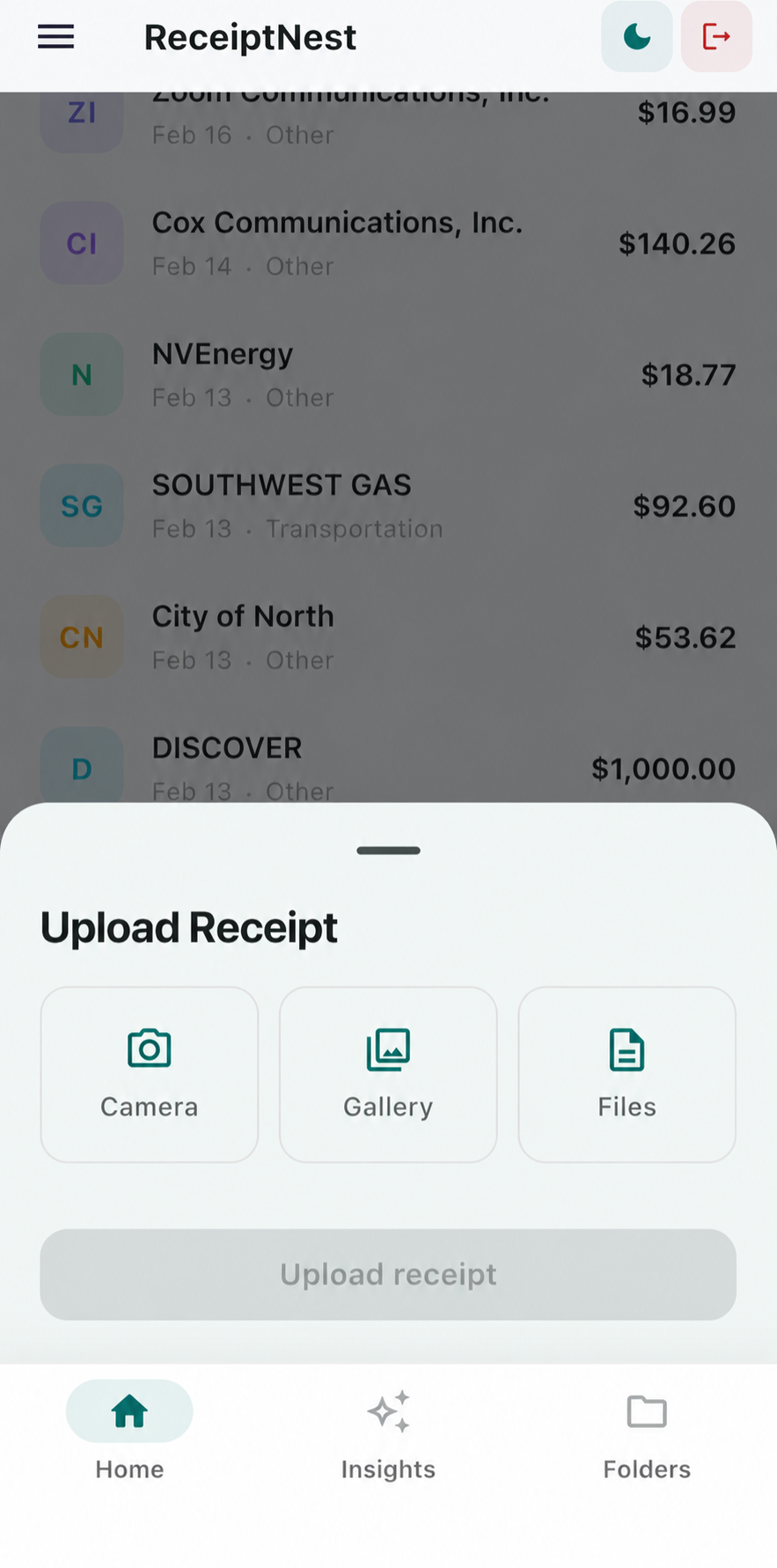
Forward the email, snap the photo, or drag in a PDF. It lands in your nest.
ReceiptNest pulls the merchant, date, amount, and category. Review the details against the original.
Receipts for your accountant
One organized export
At tax time, export your receipt records for your accountant. Or search when you need a receipt back.
One job, on purpose
We get your receipts ready for whoever does.
The receipts you add are the records we organize.
ReceiptNest handles receipts and leaves the ledger to your accounting tool.
You forward only the receipt emails you choose.
If you need those other workflows, a full accounting platform may fit better. If you just need your receipts handled, you're in the right place.
"I no longer have problems with returns receipts, and I know exactly how much I spend weekly, monthly, and yearly. This is an outstanding app."
Jean Pierre · ReceiptNest user
See it in action
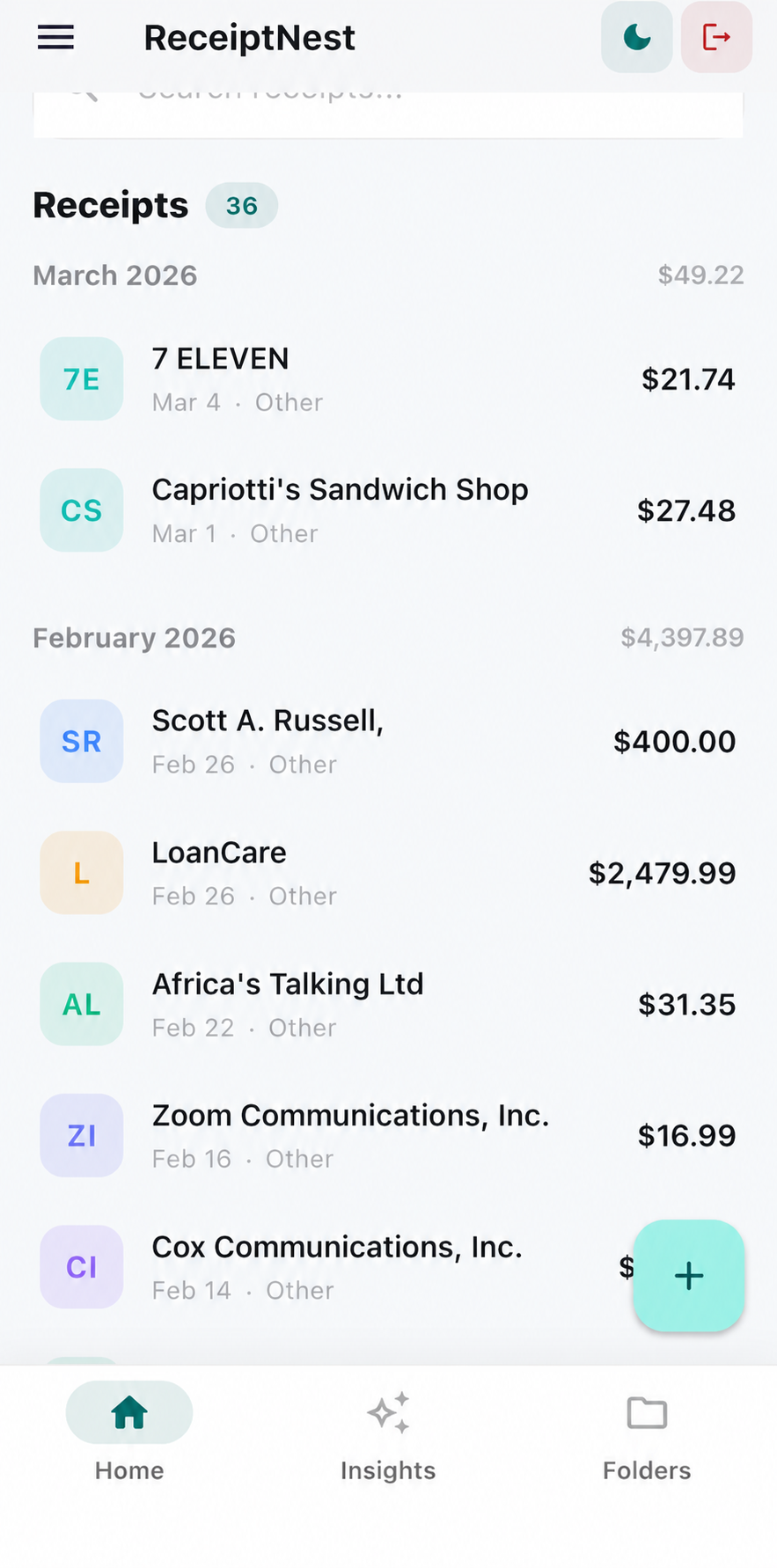
Everything you've sent, sorted and searchable.

Email, photo, PDF. Whatever works for you.

Find what you sent by merchant or category.

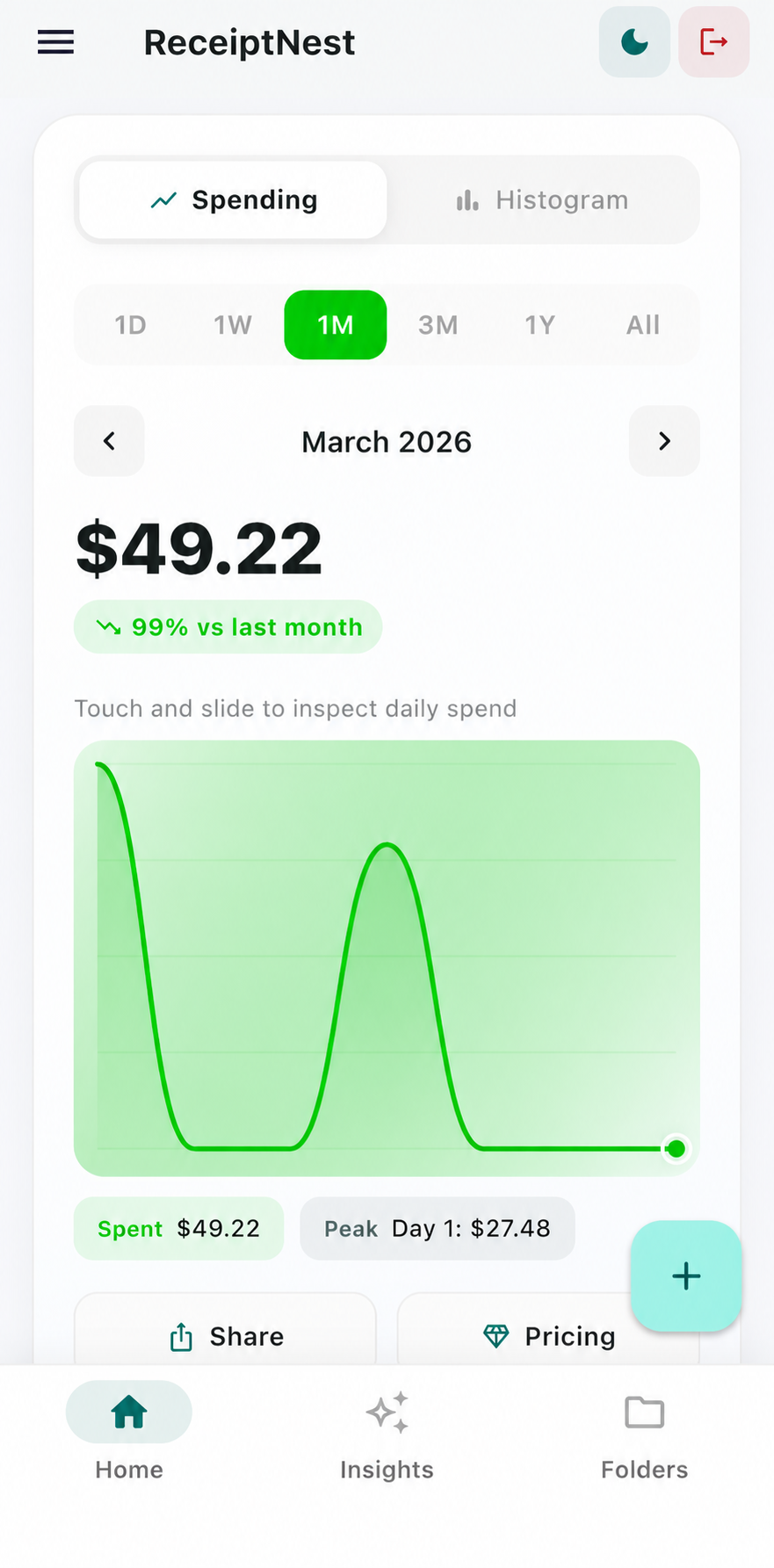
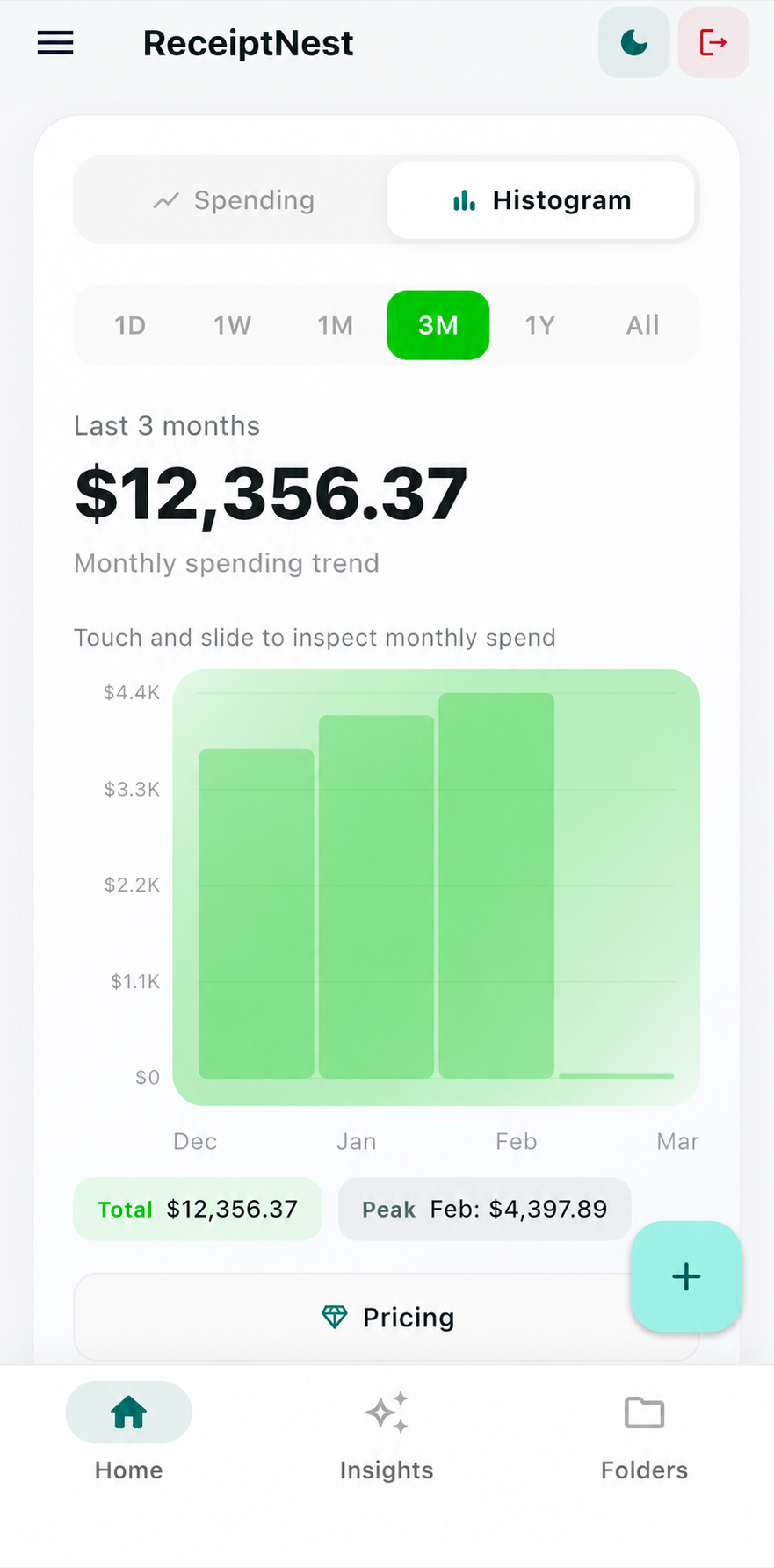
A month of receipts in one view.

See patterns, catch surprises, stay in control.
Pricing
Starter
Try it with your first 50 receipts. No card needed.
Pro
Unlimited receipts for a full year of business. Less than $9 a month.
Everything in Free, plus:
Know how your receipts are handled before you upload. ReceiptNest uses cloud storage and AI processing, with controls to review, export, and delete receipt records.
Everything you want to know before getting started.
ReceiptNest is a receipt app for freelancers and self-employed people. Forward email receipts, snap photos, or upload PDFs, then review and find your receipts when you need them. Export your records when your accountant asks.
Yes. ReceiptNest works for personal receipts too. Add your receipts to keep them organized by month and see your spending totals. You don't need to run a business.
No. ReceiptNest keeps your receipts organized and lets you export them for yourself or your accountant. It does not prepare or file tax returns or give tax advice.
Forward receipt emails to the address in your account, snap a photo, or upload a PDF. Forwarding a receipt does not connect ReceiptNest to your inbox.
Yes. Export receipt records to CSV, or use Pro for PDF exports. You can review and filter your records before handing them off.
ReceiptNest uses account-based access and cloud services for storage and extraction. Read the data-handling overview before uploading sensitive records. Export and deletion controls are available in your account.
You keep access to your data. Pro features are disabled, but you can still view and export your existing receipts.
No. ReceiptNest focuses on capturing, finding, and exporting receipts. If you need invoicing, payroll, or double-entry accounting, a broader accounting tool is better suited.
Wave and Expensify support broader accounting and expense workflows. ReceiptNest focuses on the receipts you send it and keeps them ready to hand off. There is no bank connection or bookkeeping workflow.
Yes. You can start on Free and upgrade to Pro when you need unlimited receipts and additional export tools.
Service providers process receipt data to operate the product, including cloud storage and AI extraction. Our data-handling overview explains this workflow and how to contact support about deletion or privacy requirements.
The ReceiptNest journal
New essays and practical guides on receipts, spending, and the systems behind better decisions.

A bank statement can prove that money moved, but it may not prove what you bought or why it was for business. Here is how to build a stronger record.
10 min read


The deepest benefit of digitization is not speed. It is the ability to see a business clearly enough to make better decisions, again and again.
5 min read

Your delivery app tracks orders, not every cost of doing the work. Learn which records to preserve and how to build a five-minute end-of-shift routine.
11 min read
Nest your first receipt in under a minute. Free for your first 50.