
Receipt management for a small business—not a whole finance department.
If your immediate problem is collecting receipts and preparing them for review, a full accounting rollout may be more than you need. ReceiptNest focuses on capture, organization, original-document access, and exports.
Up to 50 receipts on Starter. CSV export included. View plan details.
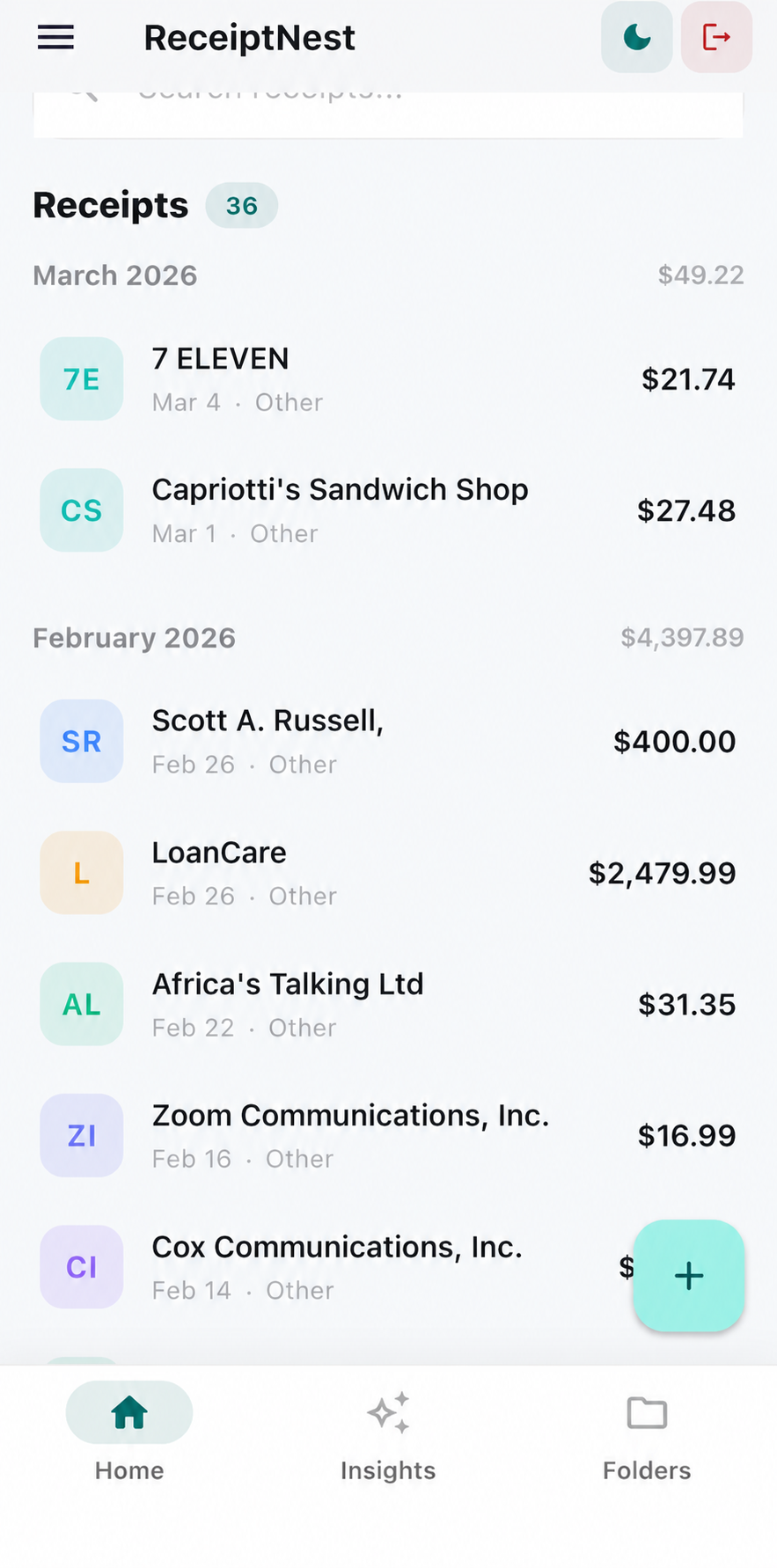
A repeatable handoff from scattered receipts to reviewed records.
- 01
Define what belongs in the collection
Choose the receipts you need for your own business records and make capture part of the purchase routine. Upload files or forward receipts; keep supporting invoices, payment records, and business-purpose notes where required.
- 02
Review before the monthly handoff
Check dates, merchants, amounts, and categories. Look for missing purchases and repeated uploads using your other records. ReceiptNest organization supports this review; it does not perform a complete bank reconciliation.
- 03
Agree on an export with your accountant
Ask which columns and original documents the recipient needs. Download a sample CSV first and confirm that its summary format fits. Sending an export is different from granting access to a multi-client accounting portal.
Decide whether the workflow fits
Start with the task you need to complete, not the longest feature list.
| Your requirement | ReceiptNest's role |
|---|---|
| Store and find receipt records | Receipt-focused capture and organization |
| Share a spreadsheet summary | CSV export for review |
| Run employee approvals or reimbursements | Use an expense-management platform |
| Maintain a ledger, payroll, or tax filing | Use appropriate accounting or tax software |
No native accounting integration, employee approval chain, or bookkeeping service is implied.
For the person doing the receipt cleanup
This workflow suits a freelancer, owner, or individual responsible for their own receipts. If your business needs several employees to submit and approve expenses, evaluate those permissions and controls separately before choosing a tool.
Keep the handoff predictable
Use a consistent review period and tell the recipient whether an export covers a month, a folder, or a category. Do not mix currency totals or confuse a summary row with a purchase. Include the original documents when the recipient needs more than a summary.
ReceiptNest is receipt-organization software, not tax or accounting advice. Review important details against your original records.
Before you choose
Does ReceiptNest replace bookkeeping software?
No. It organizes receipts and supports record review. It is not a double-entry ledger, payroll system, tax-filing service, or bank-reconciliation tool.
Can my accountant use the export?
They can review the CSV if its columns meet their needs. Confirm the format and supporting documents with them; an export is not a guaranteed direct import into accounting software.
Is this employee expense-report software?
The receipt workflow described here is not an approval or reimbursement system. Choose a platform with those controls if they are essential.
What should I test before subscribing?
Try representative receipts, review extraction, find an original, and open an export in the tool your business uses. Check pricing and data handling before committing.
Take the next useful step
Try it with a receipt of your own.
Start with a few records, check the results, and see whether the workflow fits. Up to 50 receipts on Starter.
Start free on the webCompare plans