
A receipt tracker for the purchases you need to find again.
A paper receipt in your wallet. A PDF in Downloads. An email you cannot find. ReceiptNest brings those records together so a simple question—what did I buy, and where is the receipt?—does not turn into an evening of searching.
Up to 50 receipts on Starter. CSV export included. View plan details.
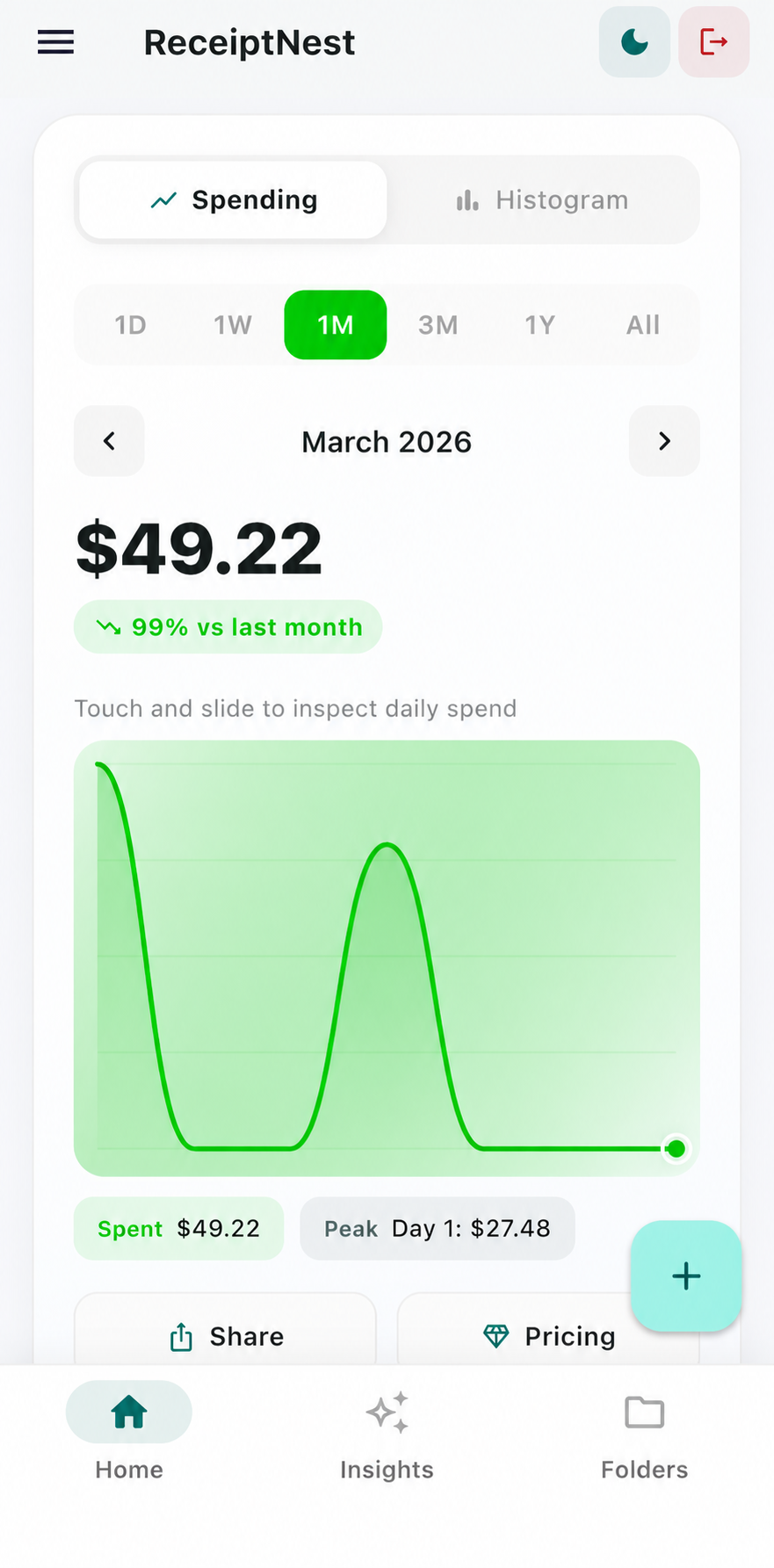
Capture now. Review by month. Export when you need to.
- 01
Capture purchases as they happen
Upload a receipt photo or PDF, or forward an email receipt to your ReceiptNest address. The app reads the merchant, date, total, and category so you have a starting point without retyping every field.
- 02
Review one month at a time
Check the extracted details against the original and correct anything that needs attention. Review the month's merchants and categories while the purchases are still familiar, instead of reconstructing a year at once.
- 03
Find the original or export the records
Use the receipt history when a purchase needs checking, a return needs proof, or an accountant asks for records. Download a monthly CSV when you want to continue the review in a spreadsheet.
Give each receipt a next step
An illustrative weekly review—not a live customer account.
| Record | What to check | Next step |
|---|---|---|
| Office supplies | Merchant, purchase date, total | Confirm the category |
| Emailed subscription receipt | Correct month and amount | Keep the email receipt with other records |
| Receipt needed for a return | Original proof of purchase | Find the merchant and open the record |
Keeping a receipt does not determine whether a purchase is deductible or returnable.
A manageable habit for freelancers
Start with the current month, even if older receipts are still scattered. Add a small backlog in each review session. Capturing a few receipts consistently is more useful than creating an elaborate filing system you never revisit.
Know what the totals include
ReceiptNest totals reflect the records you have added, not every transaction in your bank account. Missing receipts, refunds, or duplicate uploads can change the picture. Review your records before relying on an export.
ReceiptNest is receipt-organization software, not tax or accounting advice. Review important details against your original records.
Before you choose
Can I track personal and freelance receipts?
Yes. You can organize records for either purpose. Review categories and keep a clear distinction between personal and business purchases; the app does not make tax decisions for you.
Is this a bank-connected budgeting app?
No. This workflow starts with receipts you upload or forward. Use your bank records or accounting software alongside ReceiptNest when you need a complete financial picture.
What can I try for free?
The Starter plan includes an allowance of up to 50 receipts, categorization, monthly summaries, and CSV export. Pro adds unlimited receipts and additional features. See pricing for the plan details.
What if the scanner gets a detail wrong?
Check the extracted record against the original and edit incorrect details before using it. AI extraction can make mistakes, particularly with unclear images or unusual receipt layouts.
Take the next useful step
Try it with a receipt of your own.
Start with a few records, check the results, and see whether the workflow fits. Up to 50 receipts on Starter.
Start free on the webCompare plans