
See your receipt-backed expenses, one month at a time.
What did those small purchases add up to? ReceiptNest connects the amounts in your receipt history to merchants and categories, so you can review spending with the original records close at hand.
Up to 50 receipts on Starter. CSV export included. View plan details.
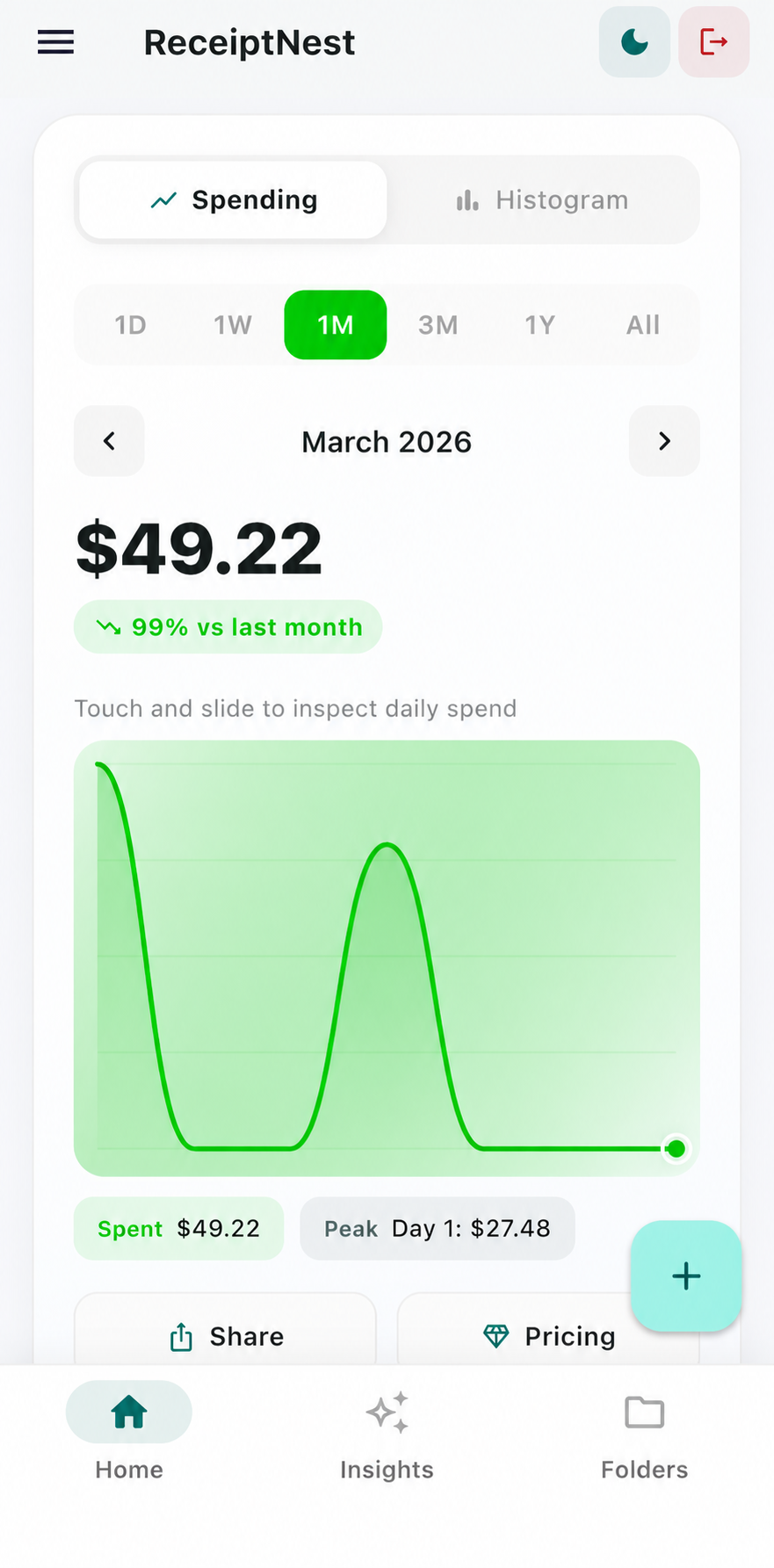
Understand the purchases you captured—not an assumed picture of every transaction.
- 01
Add the purchases you want to track
Capture paper receipts, upload PDFs, and forward email receipts. Review dates and amounts so purchases fall in the right month. A useful spending view starts with consistent input.
- 02
Look at merchants and categories
Review the places and purchase types that make up your recorded spending. A category is a starting point for a question, not a judgment about whether a purchase was necessary or deductible.
- 03
Compare with the rest of your records
Check bank statements and other records for purchases that have no saved receipt. Account for refunds or duplicates before drawing conclusions. Export a CSV if you want to continue the analysis in a spreadsheet.
Why the receipt total and bank total may differ
A practical reconciliation checklist, not automated bank matching.
| Difference | What to investigate |
|---|---|
| Payment without an uploaded receipt | Find the invoice or other supporting record |
| Refund or returned purchase | Check how the adjustment is recorded |
| Two copies of one receipt | Review for repeated uploads |
| Different currencies | Review currencies separately before totaling |
A receipt-only view is not a complete budget, cash-flow statement, or accounting ledger.
A clearer starting point than memory
Instead of trying to remember every purchase at the end of the month, keep receipts as you go. The value is being able to return to the source when a number surprises you—not being told what you should spend.
Use the right tool for the bigger picture
If you need bank feeds, debt planning, household budgeting, or business profitability, use a tool designed for those jobs. ReceiptNest can organize the supporting receipts alongside that system.
ReceiptNest is receipt-organization software, not tax or accounting advice. Review important details against your original records.
Before you choose
Will the dashboard include all my spending?
No. It reflects the receipt records you add. Transactions without a record, refunds, and duplicates need to be reviewed separately.
Can I use it without a strict budget?
Yes. You can use it to collect receipts and review recorded spending without creating budget targets.
Can I track freelance expenses?
You can organize your receipt-backed purchases and export them for review. Determining business use, deductibility, or profitability requires additional judgment and records.
Can I work with the data in a spreadsheet?
Yes. CSV export is included in Starter. Review the export columns and currency limitations before combining it with other data.
Take the next useful step
Try it with a receipt of your own.
Start with a few records, check the results, and see whether the workflow fits. Up to 50 receipts on Starter.
Start free on the webCompare plans