How to Scan Receipts for Taxes With Your Phone
Before you put the paper away, zoom in on the date, the items, and the total. Then give the scan a home where you can find it months later.
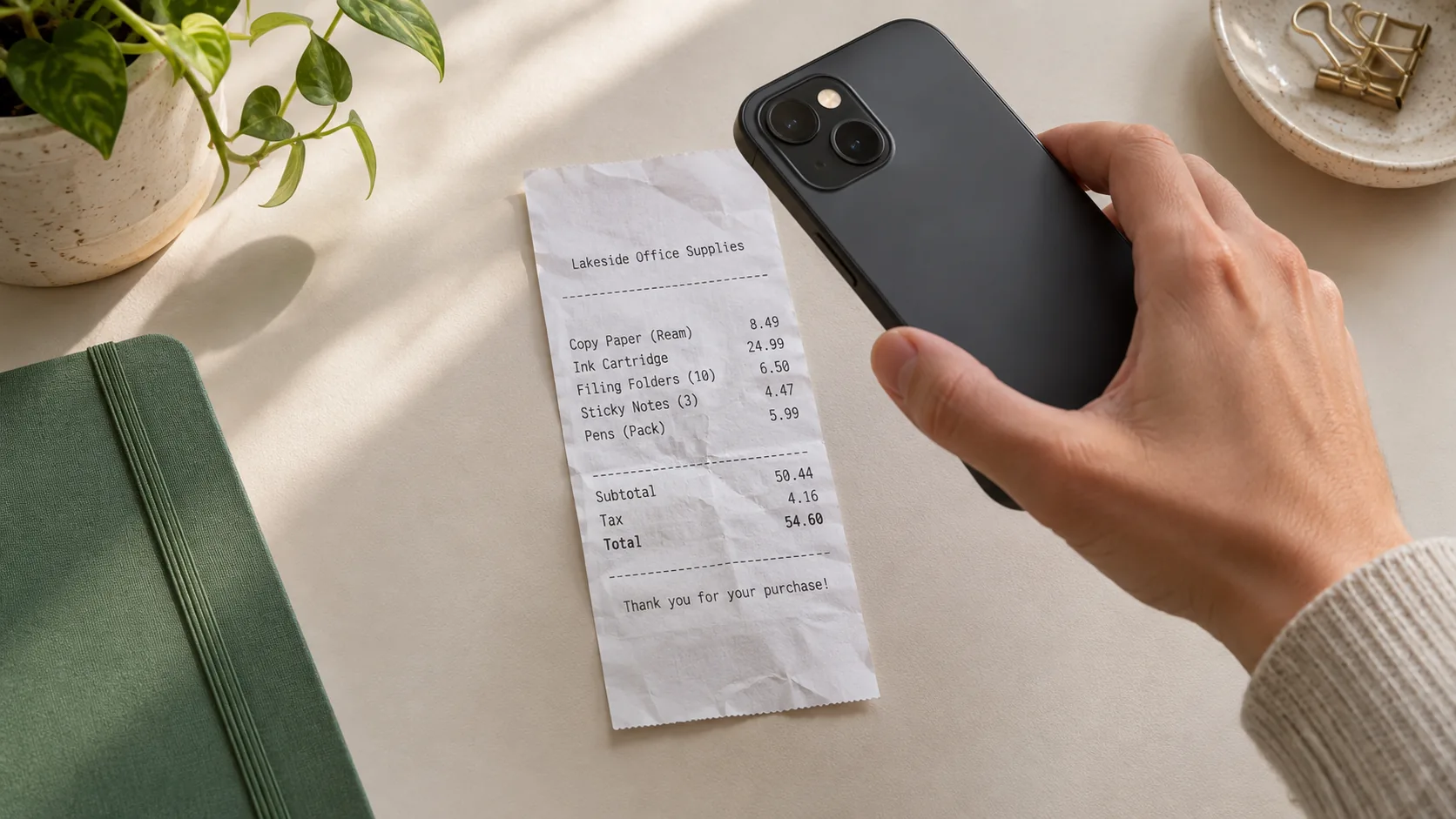
To scan a receipt for taxes, flatten it under even light, capture the full slip with your phone, and zoom in on the saved image. You should be able to read the seller, date, items, and amount paid. Then save it somewhere you can find it by month and add a short note about the business purpose.
The last step is easy to skip. Six months later, you might remember buying printer ink but have no idea which of the forty receipt photos in your camera roll shows it. The checklist below takes you from the paper slip to a record you can actually hand to your accountant.
Take one clear photo of the entire receipt
- 01Flatten the receipt on a plain surface that contrasts with the paper. Move it away from glare or heavy shadows.
- 02Hold the phone directly above the receipt. Leave a little space around every edge so the merchant name and the final total stay in frame.
- 03Open the saved image and zoom in. Check the date, the item descriptions, and the amount paid. Retake it while the paper is still in front of you if any of those are hard to read.
- 04If the receipt is too long for one readable photo, take overlapping shots and save them together in order. If the vendor sent a complete PDF or itemized email, save that original file or message.
Check the small print before you move on
A photo can look sharp at thumbnail size while the date is unreadable. Zoom in to check the actual letters and digits. If the paper is already too faded to read, look for an order email or ask the merchant for a duplicate.
Check what the scan shows and add the business purpose
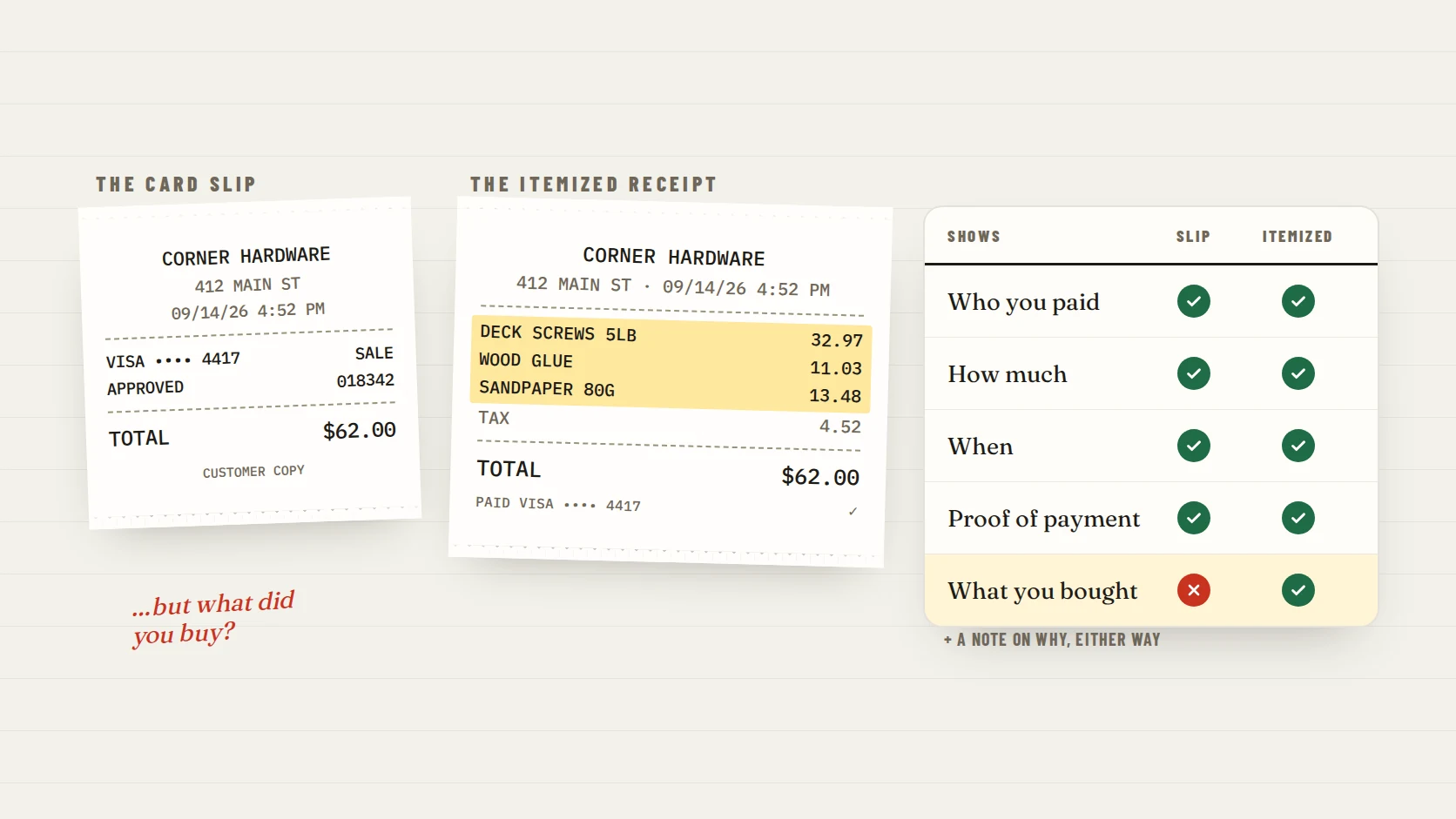
The IRS says supporting documents for business expenses should establish who was paid, the amount, proof of payment, the date, and what the expense was for. You may need more than one document. Keep an itemized receipt when you have it and save the payment record alongside it if the receipt leaves that detail unclear.IRS guidance on supporting documents for business expenses
Say a hardware store receipt lists masking tape, drop cloths, and paint trays. Add a note like “Supplies for the Maple Street repaint.” The receipt preserves what you bought and the note records why it belonged to that job. If you bought personal items on the same slip, flag them for review and keep the full receipt.
Save the scan and make sure you can find it again
For a folder system, use a year and month and a consistent filename. For example, save 2026-11-11-hardware-store.pdf in Business receipts / 2026 / 11. Keep a backup you can reach if you lose your phone. At month-end, look up one receipt by date and open the full original. That quick test tells you whether your system will work when someone asks for a specific purchase.
IRS Publication 583 applies the same recordkeeping requirements to electronic records as to paper. Your system needs to preserve complete, accurate records and reproduce them legibly. Check the rules that apply before discarding paper, especially for records you may also need for a warranty, insurance claim, or other purpose.IRS Publication 583 on electronic records
Try the workflow with one receipt in ReceiptNest
Take a photo of one recent business receipt and upload it to ReceiptNest. Open the saved original and check the suggested merchant, date, total, and category. Add a note about the purchase if the receipt alone leaves the purpose unclear. Then find the same receipt in its month and reopen the original.
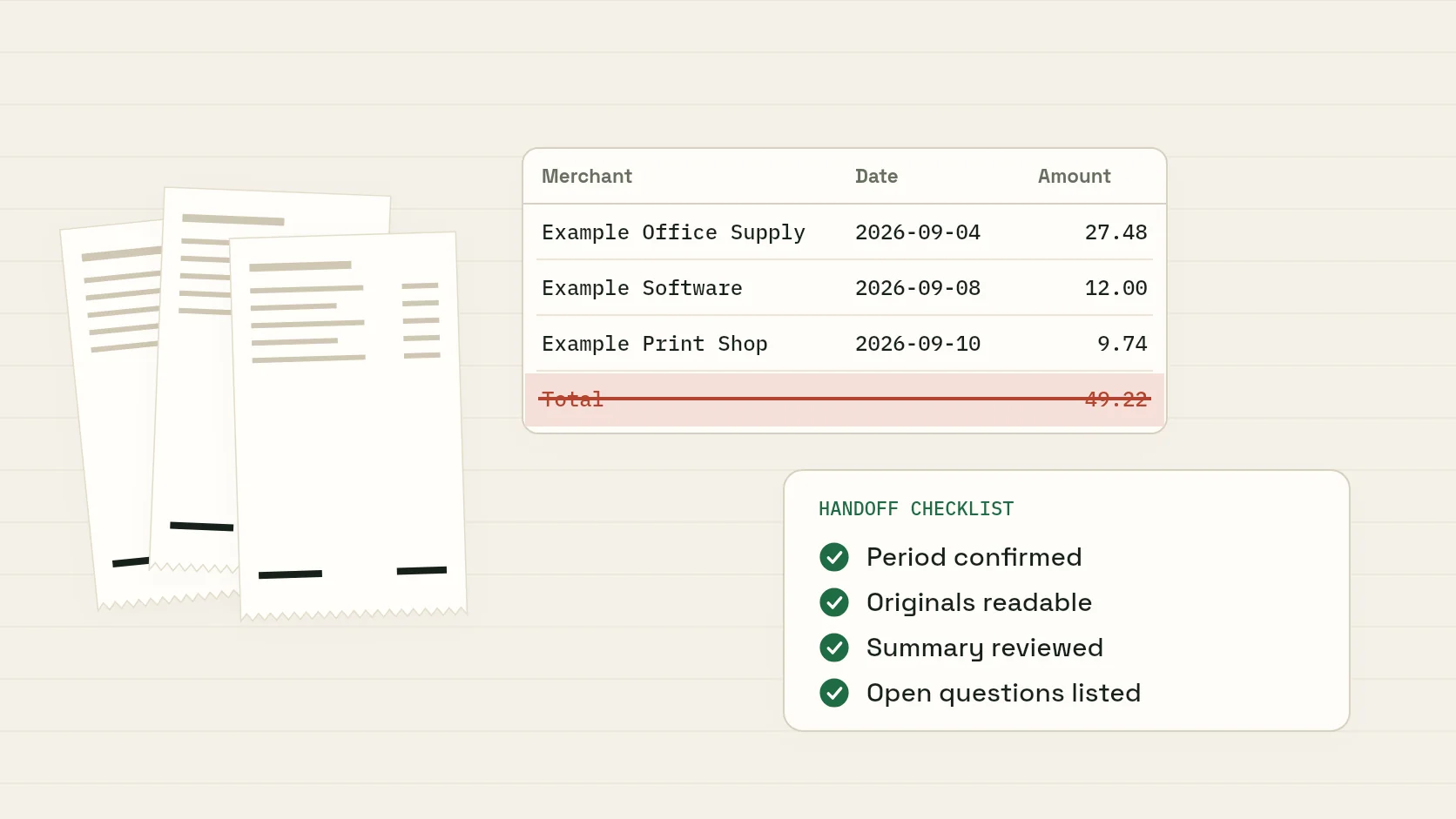
When your accountant asks for a summary, you can export your receipt records to CSV. Keep the original scans available alongside that summary so you can share the documents behind the totals.See a sample ReceiptNest CSV export
FAQ
Can I use a photo of a receipt for U.S. taxes?
A readable, complete photo can be part of your electronic records. You need to be able to retrieve it and reproduce it legibly. Keep any other supporting documents needed to show the payment and business purpose.
Do receipt scans have to be PDFs?
A PDF is convenient for long receipts and multiple pages. For a single slip, a clear image can work when your recordkeeping system preserves it and you can retrieve and reproduce it legibly.
Put this into practice with ReceiptNest
Upload one clear photo and check the merchant, date, and total against the original.
Scan your first business receiptCreate a free account to get started.