How to Organize Receipts for Your Accountant: A Freelancer's Handoff Checklist
Your accountant asked for receipts. Send four things: the period, readable originals, a reviewed summary, and a short list of what you could not resolve.
Your accountant emails: "Can you send me your receipts?" A useful handoff has four parts: a clearly defined period, readable source documents, a summary you have reviewed, and a short list of purchases you could not resolve. Before you export anything, ask how they want to receive it.
This checklist is for freelancers and solo business owners who keep their own receipts and hand them to a bookkeeper or tax professional. It covers what to ask, what to gather, what to check, and what to send, with a clearly fictional example you can copy.
The short answer: four things your accountant needs from you
| Part of the handoff | What it means | Example |
|---|---|---|
| The period | The exact dates the records cover | January 1 to December 31, 2026, or one quarter |
| Source documents | Readable receipts, invoices, and order confirmations | Photos of paper receipts, emailed receipts, PDF invoices |
| A reviewed summary | Merchant, date, and amount checked against the originals | A CSV you opened and checked in a spreadsheet |
| Open questions | Purchases you could not document or explain yet | A card charge on March 14 with no receipt found |
Accountants have preferences
Some want every original file, some want a spreadsheet first, and many have their own portal. Treat the steps below as a starting point and confirm the details with the person doing the work.
Step 1: Ask what they need before you export
Two minutes of questions can save you from sending the wrong thing twice. Ask before you start gathering.
- Which dates should the records cover?
- Which format works best: a spreadsheet summary, a PDF, the original files, or all three?
- How should I send them: your client portal, a shared folder, or email?
- Do you want every receipt, or only business purchases?
- Should I add categories, or will you categorize them?
A message you can copy
Hi [name], before I send my receipts: which dates should I cover, which format works best for you (spreadsheet, PDF, or original files), and how should I send them? I will also include a short list of purchases I could not document.
Step 2: Gather paper, email, and PDF receipts in one place
Receipts usually live in three places: a pocket or glovebox, an inbox, and a handful of merchant accounts. Bring them together before you review anything, so you only check each purchase once.
- Paper: photograph each receipt flat, in good light, with the merchant, date, items, and total visible.
- Email: search your inbox by merchant name and date range, then save or forward the receipt itself, not just the shipping notice.
- PDFs: download invoices from software subscriptions, online orders, and service providers.
In ReceiptNest, you can snap a photo, upload a PDF, or forward an email to your personal ReceiptNest address. Nothing connects to your bank or reads your inbox; you choose which receipts to send. Each record is grouped by month so the handoff period is easy to find.
Step 3: Review the details before you send them
Your accountant can work faster with records that are already checked. Compare each summary line with its original document and fix what does not match.
- The date matches the receipt, not the day you photographed it.
- The amount is the total you paid, including tax and tip.
- Duplicates are removed, such as a receipt you photographed and also forwarded.
- Refunds and returns are kept with the original purchase.
- Purchases that mix personal and business items are clearly marked.
- Anything that is not obviously business-related has a short note explaining why.
Check what the scanner extracted
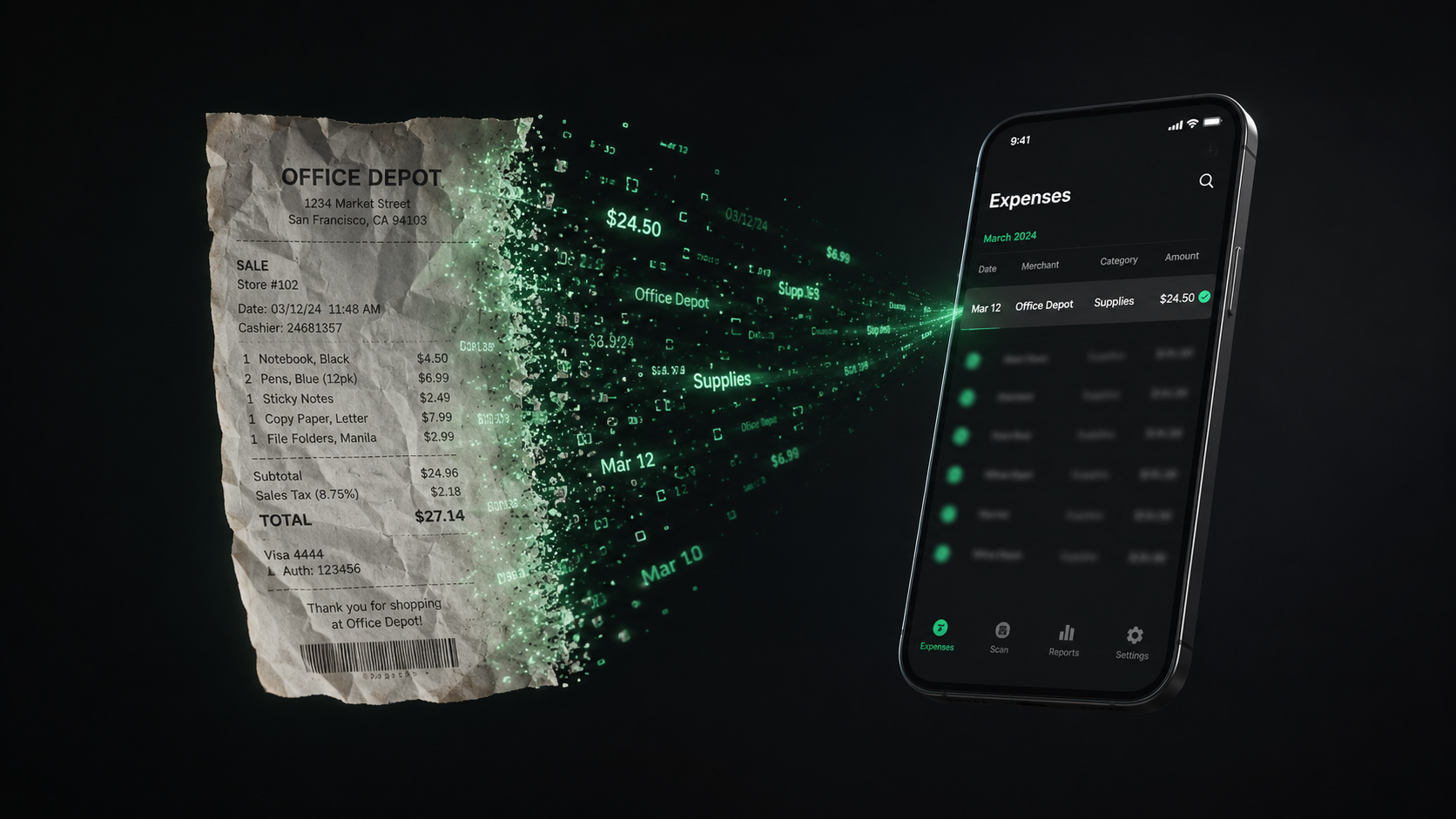
ReceiptNest pulls the merchant, date, amount, and category from each receipt for you to review. Extraction can misread a faded total or a handwritten tip, so confirm the details against the original before you export.
Step 4: Export a summary and check it in a spreadsheet
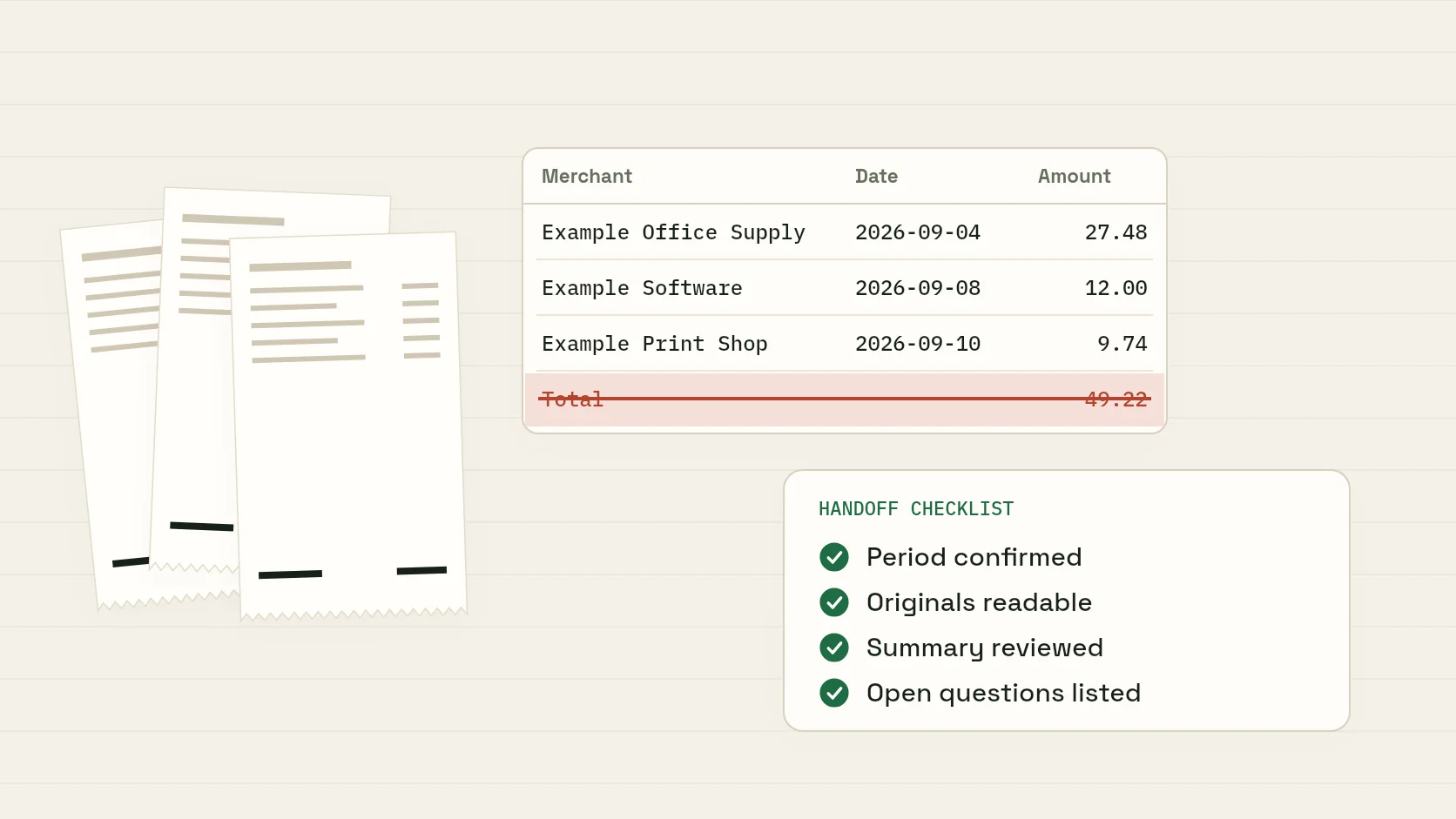
A spreadsheet summary lets your accountant see every purchase at a glance. ReceiptNest's monthly CSV export has three columns, Merchant, Date, and Amount, followed by a final Total row. Here is a fictional example in that exact format:
| Merchant | Date | Amount |
|---|---|---|
| Example Office Supply | 2026-09-04 | 27.48 |
| Example Software | 2026-09-08 | 12.00 |
| Example Print Shop | 2026-09-10 | 9.74 |
| Total | 49.22 |
- 01Open the CSV in Excel or Google Sheets.
- 02Check that dates and decimal amounts were read correctly.
- 03Remove or exclude the Total row before you sort, import, or add up the purchases yourself.
- 04Save your own working copy, then add any context your accountant asked for.
The export is a summary, not the receipts themselves. It does not include receipt images, item-by-item detail, or a currency column, and it is a CSV rather than a native Excel workbook. Notes you add to a receipt inside ReceiptNest are not part of the CSV, so add business context as new columns in your copy. Keep those added columns clearly separate from the exported fields:
| Merchant | Date | Amount | Business purpose (you add) | Original kept as (you add) |
|---|---|---|---|---|
| Example Office Supply | 2026-09-04 | 27.48 | Printer paper for client proposals | Photo of paper receipt |
| Example Software | 2026-09-08 | 12.00 | Monthly design-tool subscription | Emailed invoice (PDF) |
| Example Print Shop | 2026-09-10 | 9.74 | Printed site plans for a client review | Photo of paper receipt |
Fictional example
These merchants and amounts are invented for illustration. You can download the same sample CSV on the receipt-to-CSV page to see the format before you create an account.
Step 5: Provide the originals the way they asked
A summary shows what you spent; the originals show what you bought. IRS guidance says supporting documents should identify the payee, the amount paid, proof of payment, the date incurred, and a description of the item or service that shows it was a business expense. One document does not always cover all of that, which is why receipts, invoices, and statements often travel together.
- Send originals through the method your accountant chose in Step 1.
- On ReceiptNest Pro, you can download a month of receipts as one PDF containing the original images and PDF files.
- Keep your own complete copy. Sending files to someone else does not replace your own records.
Digital copies are fine to work with, as long as they stay readable and organized. The IRS states that the requirements for paper records also apply to electronic records.
Step 6: Send a list of unresolved records instead of guessing
Almost everyone has a few purchases they cannot document. Do not invent details or recreate a receipt. List what you know and what is missing, and let your accountant decide how to handle each one.
| Date | Amount | As shown on the statement | What you know | What is missing |
|---|---|---|---|---|
| 2026-03-14 | 86.40 | SQ *COFFEE ROASTERS | Probably a client meeting | No receipt; card statement only |
| 2026-06-02 | 214.99 | AMZN Mktp US | Likely a monitor stand | Order history not found yet |
| 2026-08-19 | 40.00 | Cash | Parking at a client site | No receipt |
Before you add a purchase to this list, try once more: search your email for the merchant and amount, check the merchant's website or app for an order history, or ask the store for a duplicate. A bank or card statement can help show that you paid, but it rarely shows what you bought.
Record organization, not tax advice
ReceiptNest organizes the receipts you have. It does not prepare taxes, decide what is deductible, or replace missing evidence. Ask your tax professional how to treat anything on your open-questions list.
The handoff checklist you can copy
- Period confirmed with my accountant: ______ to ______.
- Format and delivery method confirmed.
- Paper receipts photographed, email receipts saved or forwarded, PDF invoices downloaded.
- Each record's merchant, date, and amount checked against its original.
- Duplicates removed; refunds kept with their purchases.
- Business purpose added where it is not obvious.
- CSV opened, dates and decimals checked, Total row excluded from any calculations.
- Originals sent the agreed way; my own copy kept.
- Open-questions list attached.
Running this checklist once a month turns the year-end request into a quick export. The tax guide below covers the full year of record organization; this checklist is the part you send.
FAQ
Is a CSV enough for my accountant?
Usually not on its own. A CSV summarizes merchant, date, and amount, but it does not include the receipts themselves or item detail. Ask your accountant whether they also want the original files, and keep them either way.
Should I send every receipt photo?
Ask first. Some accountants want every original; others want a summary and will ask for specific documents. Whatever you send, keep a complete copy for your own records.
What if some receipts are missing?
Try to recover them from email, merchant order histories, or the store. For anything you cannot find, send a short list with the date, amount, statement description, and what you know about the purchase. Do not recreate a receipt.
Can a bank statement help?
A bank or card statement can show that you paid, when, and how much. It often does not show what you bought or why it was for business, so pair it with an invoice, order record, or note where you can.
Does ReceiptNest send my receipts to my accountant?
No. ReceiptNest organizes your receipts and lets you export a CSV, plus a monthly PDF of originals on Pro. You decide what to send and send it the way your accountant prefers.
Take the next step with your receipts.
Start with a few receipts, check the extracted details, and inspect the export before handing records to someone else.